Consignment Note
Mamut Business Software includes a Consignment note report. Besides product information, the Consignment note also includes information such as date and method of delivery, sender and receiver contact information, as well as freight specifications.
To print a consignment note, click View - Sales/Invoicing - Order Registration. Using the blue arrows or the List function on the toolbar, locate the order for which you want to print a consignment note and click the printer icon.
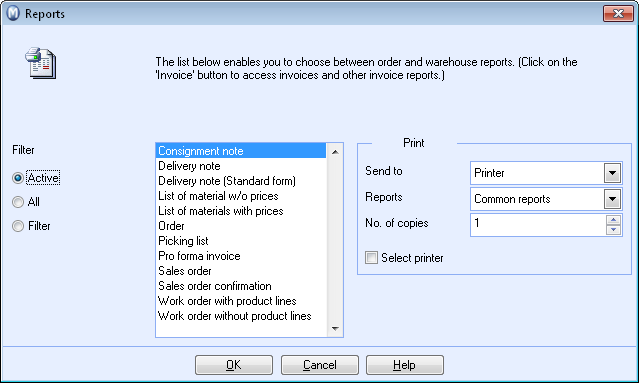
In the window that appears, choose Consignment note and click OK.
Read more about: